 FaxStore
Accessing FaxStore Server Files
In some cases, a manual login to the server that FaxStore operates on is needed to perform some actions. For example, editing the configuration file or downloading backups. This page will take you through the steps to access the server. This guide will show you how to access FaxStore files.
To log in with WinSCP simply click "New Site" and fill out the details required
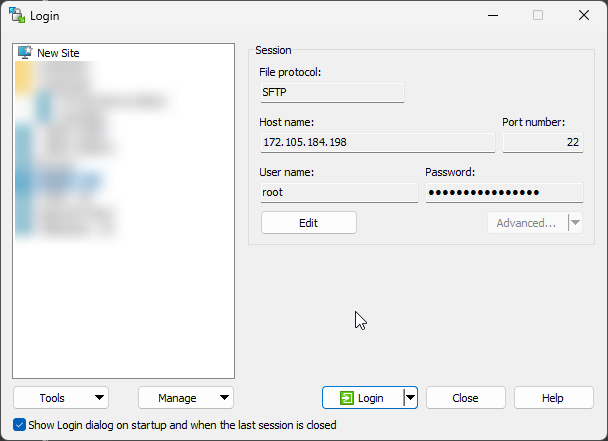
Navigate to
/home/faxstore. This directory will contain FaxStore configuration file along with user uploaded content.Here you can obtain files within the
publicandfilesfolders to get a backup, or make changes to your configuration file.
If edits have been made to the configuration file, a server/FaxStore restart may be required for changes to take effect
Useful Sources:
FaxStore Configuration File Docs: https://docs.weblutions.com/share/spaces/faxstore/config-file